
7 proven queue management strategies to transform your retail store
Long checkout lines and crowded store entrances are among the top reasons shoppers abandon purchases or avoid returning to a store. In today’s competitive retail landscape, how you manage customer flow directly shapes revenue, satisfaction, and loyalty.
Queue management is the combination of practices and technologies used to control how customers wait for service, covering both digital solutions and physical flow design. When implemented effectively, modern queue management can reduce wait times by up to 70% and increase customer satisfaction levels by as much as 20%.
In this guide, we break down seven proven strategies that retail operators across the U.S. are using to reduce friction, improve throughput, and deliver better in-store experiences — with practical ROI at every step.
What you’ll learn:
- How virtual queuing and remote check-in eliminate physical congestion
- Why appointment scheduling reduces peak-hour strain
- How self-service kiosks and QR codes speed up customer flow
- The role of real-time analytics and AI in smarter staffing decisions
- How skill-based routing improves first-contact resolution
- Why store layout and signage are often the highest-ROI queue fix
- How feedback loops drive continuous service improvement
MRI Software virtual queuing and remote check-in
Virtual queuing allows customers to join a digital waitlist via mobile app, web portal, or in-store kiosk, eliminating the need to stand in a physical line. Instead of waiting by the checkout, customers can continue browsing the store, grab a coffee, or run a nearby errand while receiving real-time updates on their position in the queue.
The benefits extend beyond customer comfort. Physical congestion at service points is reduced, staff can prepare for each customer’s needs in advance, and overall store flow becomes more predictable. Customers also perceive the wait as fairer when they can see their position in a digital queue, which itself reduces frustration independent of actual wait duration. Research from solutions like Qminder points to wait time reductions of up to 50%, with customer satisfaction rates reaching as high as 97% following implementation.
Remote check-in methods, including QR codes on in-store signage, web links sent via SMS, and dedicated mobile apps, make it straightforward for customers to join a queue before they even reach the service area. Automated notifications keep them informed at every stage, removing the uncertainty that typically drives dissatisfaction.
MRI Software’s open, modular platform is designed to integrate virtual queue tools with your existing retail systems, ensuring a consistent and connected customer experience across every location in your portfolio.
Appointment scheduling and visit planning
Appointment scheduling allows customers to book a specific time slot for in-store service, spreading demand more evenly throughout the day and reducing the peak-hour surges that strain staff and frustrate shoppers.
For retailers, the operational advantages are significant. When visit volumes are known in advance, staffing can be allocated more precisely, inventory can be prepared, and service times become more predictable. Customers benefit from the certainty of a confirmed appointment and a shorter wait on arrival, a combination that consistently improves satisfaction scores.
Integrated scheduling systems also reduce no-shows through automated reminders sent via email or SMS, cutting gaps in the service schedule and improving staff utilization. The administrative burden of manually managing bookings is eliminated, freeing associates to focus on service delivery.
A typical appointment-based customer journey looks like this:
| Stage | Customer Action | System Support |
| Pre-visit | Books time slot online or via app | Automated confirmation sent |
| Reminder | Receives alert before visit | SMS/email notifications (24hr and 1hr) |
| Arrival | Checks in via kiosk or app | Queue position assigned automatically |
| Service | Directed to appropriate associate | Service notes pre-loaded for staff |
| Post-visit | Receives feedback request | Data captured for reporting |
For high-footfall periods like weekends or promotional events, appointment scheduling is one of the most reliable tools available for keeping service levels consistent.
Self-service kiosks and QR Code check-ins
Self-service kiosks are interactive in-store devices that allow customers to register their arrival, select a service type, and join a digital queue independently, without requiring staff assistance. QR code check-ins take a lighter-weight approach: customers scan a code displayed on in-store signage using their smartphone, instantly beginning the registration or queuing process without any additional hardware.
Both methods deliver measurable workflow benefits. Throughput speeds up, structured data is captured from the moment a customer arrives, and staff workload at the front of house decreases significantly. Self-service check-in is now an expected feature in modern U.S. retail environments, and stores that don’t offer it risk creating friction at the very first touchpoint.
Best practices for self-service deployment include:
- Positioning kiosks at natural entry points where customers would otherwise form a line
- Using clear, jargon-free signage that guides customers through the process step by step
- Ensuring QR codes are prominently displayed, well-lit, and consistently updated
- Integrating check-in data with your broader store analytics platform for a complete picture of customer flow
- Testing accessibility across different customer groups, including those less familiar with digital tools
When deployed thoughtfully, self-service check-in reduces wait times, lightens the load on staff, and creates a more organized experience from the moment a customer walks through the door.
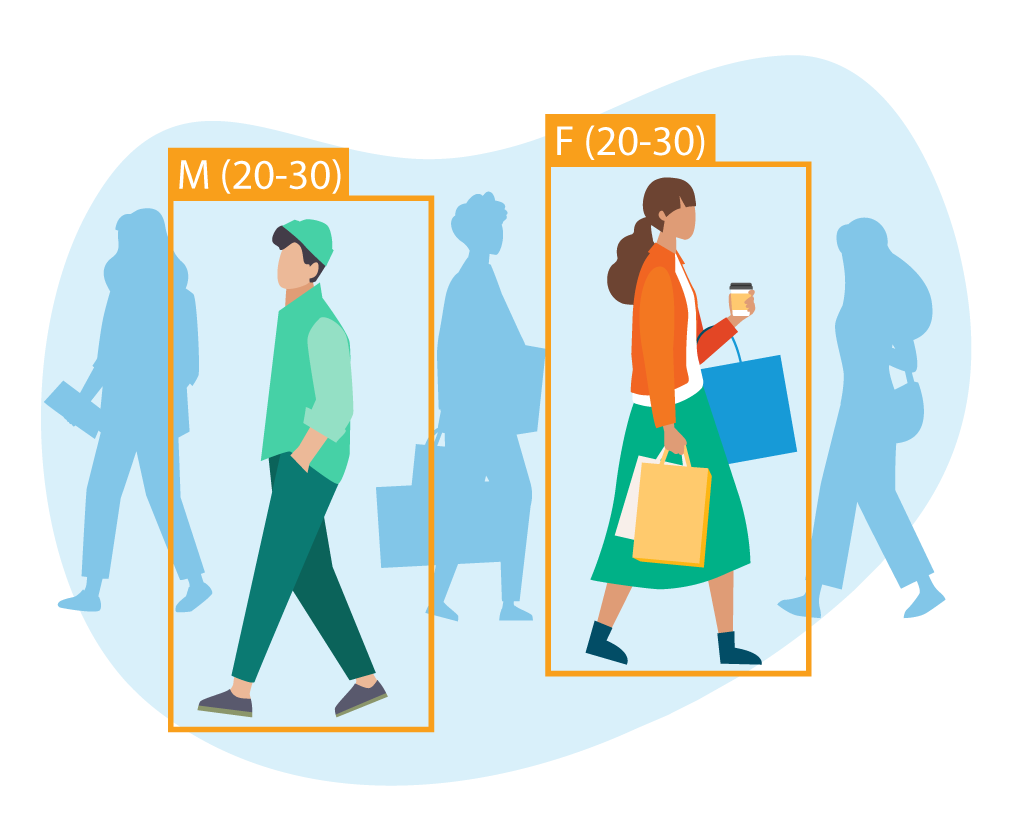
Footfall Analytics Software
Grow revenue with real-time vehicle and foot traffic insights
Real-time analytics and AI-driven optimization
Real-time analytics provide store managers with a live view of queue performance, tracking metrics like current wait times, service durations, customer volumes by zone, and peak traffic windows. Rather than reacting to problems after they’ve already affected the customer experience, managers can identify pressure points as they develop and respond immediately.
AI-driven optimization builds on this by using historical patterns alongside live data to predict demand, suggest staffing adjustments, and dynamically route customers to available service points. If one checkout lane is building a backlog while another is underutilized, the system flags the imbalance and recommends a reallocation in real time. Retailers using these tools report improvements in both customer flow and labor efficiency, ensuring that staff are deployed where they’re needed most, and service windows adjust to reflect actual demand rather than assumptions.
Key KPIs to monitor through a real-time queue analytics dashboard include:
| KPI | Why it matters |
| Average wait time | Core indicator of customer experience quality |
| Customers served per hour | Measures throughput and staff efficiency |
| Peak service hours | Informs scheduling and staffing decisions |
| Queue abandonment rate | Highlights where customers disengage before being served |
| Service duration by type | Identifies opportunities to streamline specific interactions |
The ability to act on this data in the moment, rather than reviewing it days later in a weekly report, is what enables high-performing retail operations to stay ahead of congestion rather than manage it after the fact.
Skill-based routing and dynamic staffing
Skill-based routing ensures that when a customer joins a queue, they’re directed to the staff member best equipped to handle their specific need, whether that’s processing a return, resolving a loyalty account query, answering a technical product question, or supporting a high-value purchase. This reduces transfer delays, improves first-contact resolution rates, and makes better use of each associate’s training and expertise.
Dynamic staffing complements this by using real-time traffic data to move employees between zones or service points as demand shifts throughout the day. An associate stationed at a quiet fitting room during off-peak hours may deliver more value at a busy checkout during a lunchtime rush. Data makes that decision faster and more reliable than intuition alone.
The combined effect is a more responsive operation, where customer needs and staff resources are matched more precisely, contributing to higher satisfaction scores and better staff utilization across the shift.
Example routing logic by service type:
| Customer Need | Recommended Routing |
| Standard checkout | Next available cashier |
| Product return or exchange | Returns-trained associate |
| Loyalty program inquiry | Customer service desk |
| Technical product question | Category specialist |
| High-value or VIP customer | Senior sales associate |
Studies consistently show that retailers implementing skill-based routing see improvements in both first-contact resolution and overall customer satisfaction, outcomes that translate directly into repeat visits and stronger conversion rates.
Physical layout, metering, and signage
Digital tools perform best when the physical environment supports them. Store layout, entry metering, and clear signage form the foundation of effective queue management – and for many retailers, optimizing these elements delivers some of the strongest returns at the lowest cost.
Physical metering is the practice of controlling customer entry rates and traffic flow at key points to prevent spillback and bottlenecks from forming. By managing the rate at which customers enter checkout zones, fitting rooms, or service desks, stores avoid the knock-on congestion that can disrupt movement across the entire floor.
Signage and wayfinding reduce confusion before it starts. Clear lane markings, directional cues, and visible service point indicators help customers navigate with confidence, cutting cross-traffic and the informal queues that form when people are unsure where to wait. Evidence consistently supports layout optimization as a high-impact, low-cost lever for accelerating customer flow and improving the effectiveness of digital queue management systems.
Best practices for physical queue optimization include:
- Placing metering points at natural chokepoints, such as store entrances and checkout approaches
- Using floor markings and barriers to define queue lanes clearly and reduce cross-traffic
- Installing express checkout signage for low-item transactions to separate queue types
- Reviewing layout regularly using footfall heatmap data to identify where congestion consistently develops
- Ensuring all queue zones are accessible for customers with mobility needs
These physical adjustments work in tandem with digital systems: a virtual queue delivers a much stronger experience when customers can immediately find the check-in kiosk and understand where to go next.
Feedback loops and continuous improvement
Queue management is an ongoing process. The retailers that consistently deliver strong in-store experiences treat customer feedback and operational data as inputs to a continuous improvement cycle rather than periodic performance reviews.
Feedback loops can take several forms: post-visit surveys sent via SMS or email, NPS ratings collected at the point of service, digital comment cards available through kiosks or apps, or structured staff debriefs at the end of each shift. The goal is to capture timely, honest input that reflects the actual customer experience, and to act on it systematically.
This feedback, combined with queue analytics data, creates a clear picture of where the operation is performing well and where adjustments are needed. A recommended improvement cycle looks like this:
- Capture: Collect customer feedback and pull queue performance data on a weekly basis
- Analyze: Identify patterns in wait times, drop-off points, and satisfaction scores
- Prioritize: Focus on changes most likely to improve customer experience and operational efficiency
- Implement: Roll out adjustments to layout, staffing, routing, or digital tools
- Communicate: Share outcomes with staff so they understand the impact of changes made
- Repeat: Treat the cycle as a standing operational rhythm, revisited on a regular cadence
Key performance indicators to track over time include average wait time by service type, peak flow volumes, queue abandonment rates, customer satisfaction scores, and promotion conversion rates. Platforms like MRI Software centralize this data across locations, making it straightforward to benchmark performance, spot outliers, and act on findings consistently across your retail portfolio.
Using MRI Software to optimize queue management
MRI Software provides retail operators with the analytics and footfall tracking tools needed to put these strategies into practice. Our platform captures visitor counts, dwell times, and zone-level traffic flows, then links that data with POS and operational systems to surface actionable insights through intuitive dashboards.
With MRI, retailers can benchmark queue performance across stores, monitor the impact of layout or staffing changes in real time, and build the kind of continuous improvement culture that consistently converts more visitors into buyers. Learn more about how to increase foot traffic, understand what foot traffic means for your operation, or explore how to use traffic patterns to optimize your store layout.
To find out which solution is right for your business, explore our retail analytics options or get in touch with our team.
FAQs
MRI OnLocation NYC Monthly Commentary – February 2026
Retail foot traffic in NYC rebounds in February; weather and budget pressures impact annual trends February delivered a familiar seasonal rebound in foot traffic across New York, albeit within a far more complex economic landscape.
